
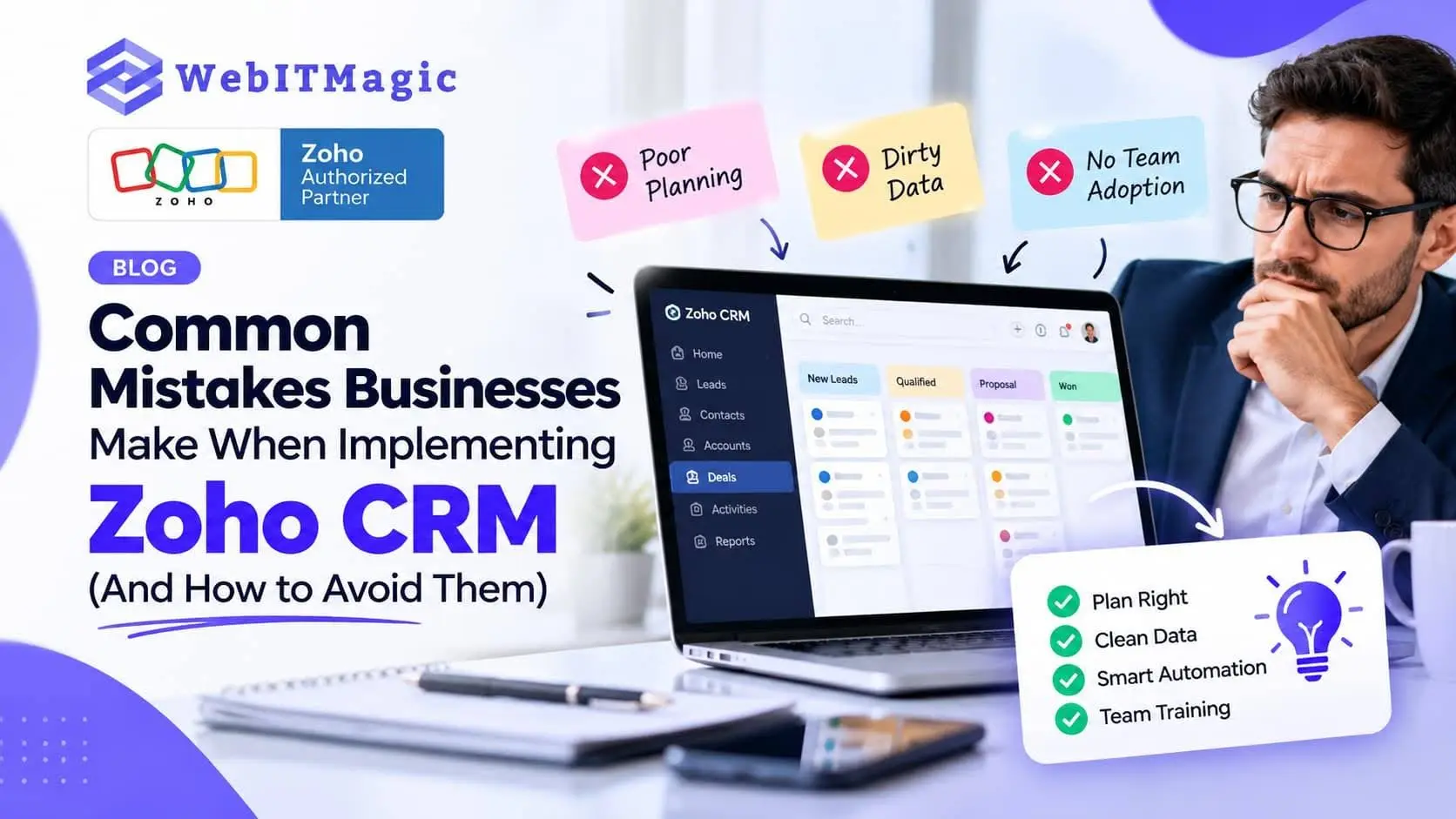
Common Mistakes Businesses Make When Implementing Zoho CRM — And How to Avoid Them
Implementing Zoho CRM can help a business organise leads, manage its sales pipeline, automate follow-ups and gain better visibility over customer relationships. But simply buying a CRM and importing your contacts does not guarantee success.
The biggest implementation problems usually happen when businesses configure the system before understanding their processes, migrate poor-quality data, build too much automation too quickly or fail to get their team using the CRM consistently.
For Perth businesses considering Zoho CRM implementation, avoiding these mistakes from the beginning can save significant time, rework and frustration.
1. Setting Up Zoho CRM Before Mapping Your Business Process
One of the most common mistakes is opening Zoho CRM and immediately creating fields, modules, pipelines and workflows.
The problem is that the CRM can end up reflecting how the software works rather than how your business actually operates.
Before configuration, map your current process:
Enquiry → Lead → Qualification → Opportunity → Proposal → Sale → Follow-up
Your actual process may be different. The important thing is that Zoho CRM should support the way your team works.
Zoho’s own implementation guidance recommends planning, analysing requirements, designing around business processes, validating the setup and then deploying and training users.
How to avoid it
Document:
- How leads arrive
- Who receives them
- How leads are qualified
- How opportunities move through the pipeline
- What follow-ups are required
- Which information managers need
- Where handovers happen
- Which tasks should be automated
Then configure Zoho CRM around that process.
2. Migrating Dirty or Unnecessary Data
Moving from spreadsheets or another CRM can create another problem: bringing all your old data into the new system without cleaning it first.
Duplicate contacts, incomplete records, outdated leads and inconsistent information can quickly make a new CRM difficult to trust.
A better approach is to clean and structure the data before migration.
Review:
- Duplicate contacts
- Missing information
- Old or inactive leads
- Incorrect email addresses
- Inconsistent company names
- Unnecessary fields
- Outdated customer records
Zoho’s current setup guidance includes importing or migrating existing data as part of CRM setup, while also emphasising accurate CRM data as an important administrator responsibility.
Good CRM implementation starts with good data—not simply more data.
3. Creating Too Many Fields and Customisations
Zoho CRM is highly configurable, which can be an advantage—and a trap.
Businesses sometimes create fields for every piece of information they might possibly need.
The result?
Salespeople face long forms, incomplete records and a CRM that feels harder to use than the spreadsheet it replaced.
Instead, every important field should have a purpose.
Ask:
Will this information help us make a decision, trigger an action, report on performance or improve the customer experience?
If the answer is no, reconsider whether the field is necessary.
Start with the information your team genuinely needs and expand the system as your processes mature.
4. Automating Too Much Too Soon
Automation is one of the major attractions of Zoho CRM. You can automate tasks, notifications, follow-ups and other repetitive processes.
But automation should solve a known problem—not create complexity for its own sake.
For example, if a sales team does not consistently update deal stages, adding several workflows based on those stages may simply create unreliable automation.
Start with high-value processes such as:
- Lead assignment
- Follow-up reminders
- Task creation
- Lead notifications
- Sales-stage actions
- Customer communication
Then test each workflow before expanding it.
Zoho’s current CRM platform continues to add more sophisticated automation and AI capabilities. In 2026, updates include Workqueue, Smart Prompts, Zia enhancements and support for additional large language models.
More automation does not automatically mean better CRM performance. The right automation does.
5. Ignoring User Adoption and Training
A technically successful implementation can still fail if employees do not use the CRM.
If salespeople continue keeping leads in spreadsheets, personal notes or inboxes, management loses visibility and the CRM stops being the central source of customer information.
Training should therefore be part of implementation—not an afterthought.
Team members should understand:
- What they need to enter
- When they need to update records
- How leads are assigned
- How tasks and reminders work
- How the sales pipeline should be used
- Which reports matter to them
Zoho’s administrator guidance specifically highlights employee learning, correct customisation, accurate data, automation and reporting as core CRM responsibilities.
6. Building the CRM Without Proper Permissions
Not every employee needs access to every CRM function or every customer record.
Poor permission settings can create security risks and make the system harder to manage.
Before launch, determine:
- Who can view records
- Who can edit records
- Who can export data
- Who manages automation
- Who has administrator access
- Which information different teams should see
Zoho’s current admin setup process includes user invitations, roles and profiles as part of getting the CRM operational.
Permissions should reflect responsibilities rather than simply giving everyone maximum access.
7. Forgetting Integrations
Your CRM rarely operates alone.
A business may already use:
- Website forms
- Accounting software
- Ecommerce platforms
- Zoho Inventory
- Zoho Desk
- Marketing platforms
- Other business applications
If these systems remain disconnected, employees may continue entering the same information manually.
WebITMagic’s current Zoho offering includes integrations between CRM, websites, Inventory, Desk, accounting and ecommerce systems, using tools such as Zoho Flow, Deluge and APIs.
Before implementation, identify where information currently enters and leaves the business.
Then decide which connections should be automated.
8. Treating Go-Live as the Finish Line
Launching Zoho CRM is not the end of implementation.
The first few weeks reveal where users struggle, which fields are unnecessary, where automation needs adjustment and which reports are actually useful.
A sensible post-launch process should include:
Launch → Monitor → Gather feedback → Fix issues → Train → Optimise → Review
This is particularly important because Zoho CRM continues to evolve.
For example, September 2026 updates included subform-level workflow triggers and AI-assisted development capabilities, demonstrating how quickly the platform is expanding.
Your CRM setup should therefore be reviewed periodically rather than treated as a one-time project.
What Should a Good Zoho CRM Implementation Include?
A successful implementation should be based on the business rather than a generic template.
Depending on your requirements, it may include:
| Area | What to consider |
| Process | Map the actual sales/customer journey |
| Data | Clean and structure existing records |
| CRM | Configure modules, fields and layouts |
| Pipeline | Create meaningful sales stages |
| Automation | Automate repetitive, proven processes |
| Permissions | Control access appropriately |
| Integrations | Connect relevant business systems |
| Reporting | Build useful dashboards and reports |
| Training | Teach users how the CRM fits their role |
| Support | Review and improve the system after launch |
Zoho’s own current quick-start documentation similarly covers company settings, users, pipeline configuration, email connection and data migration, while noting that this produces a working CRM rather than a fully optimised one.
Why This Matters for Perth Businesses
For a growing Perth business, CRM implementation is not just a software configuration exercise.
Your CRM needs to support the way your team actually generates enquiries, manages prospects, follows up customers and reports on sales.
A local implementation can also make it easier to discuss your existing workflows, systems and operational requirements with someone who understands the Australian business environment.
WebITMagic is based in Perth and supports Australian businesses with Zoho consulting, implementation, training and ongoing support. Its current Zoho CRM service covers lead capture, pipeline setup, follow-up automation, email templates, tasks, reporting and CRM training.
FAQs About Zoho CRM Implementation
1. What is Zoho CRM implementation?
Zoho CRM implementation is the process of configuring Zoho CRM around a business’s sales and customer-management processes. It can include data migration, pipeline configuration, automation, integrations, permissions, reporting and training.
2. What is the biggest Zoho CRM implementation mistake?
One of the biggest mistakes is configuring the CRM before properly understanding and mapping the business process. This can produce a system that does not match how employees actually work.
3. Should I migrate all my existing CRM data into Zoho?
Not necessarily. Existing data should be reviewed, cleaned and structured before migration. Old, duplicate or unnecessary records can create problems in the new CRM.
4. Should every CRM process be automated?
No. Automation should be introduced where it solves a genuine business problem. Start with simple, high-value workflows and test them before adding complexity.
5. Does my team need Zoho CRM training?
Yes. Training helps employees understand what they need to do inside the CRM and why consistent usage matters. Zoho itself identifies employee learning and correct use of CRM tools as important administrator responsibilities.
6. Can Zoho CRM connect with other Zoho applications?
Yes. Zoho CRM can work with other Zoho applications and external systems. WebITMagic, for example, offers connections involving CRM, Inventory, Desk, websites, accounting and ecommerce systems.
Ready to Avoid a Costly CRM Setup?
A CRM should make your business easier to manage—not create another system your team has to work around.
If you’re planning Zoho CRM implementation in Perth, start by reviewing your existing processes, data, integrations and team requirements before building the system.
WebITMagic can help businesses plan, configure, automate and improve their Zoho systems around their actual workflows. The business currently offers a free Zoho Workflow Audit for businesses that want to review an existing or planned Zoho setup. WebITMagic


0 Comments