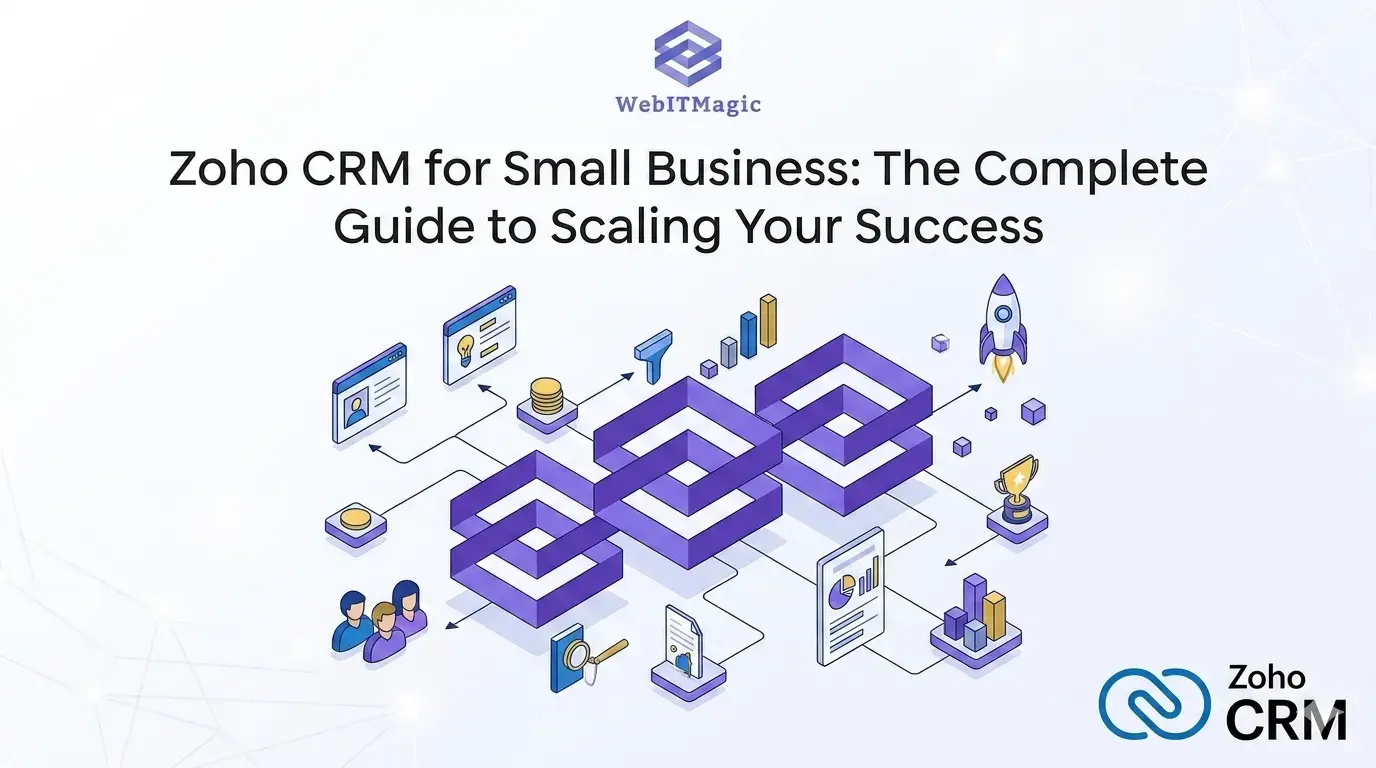
For small business owners, time is the most valuable currency. You are likely wearing multiple hats—CEO, marketing manager, and customer support lead. As your business grows, “keeping it all in your head” or relying on messy spreadsheets becomes a recipe for missed opportunities and burnt-out staff.
Zoho CRM for small businesses is not just a digital address book; it is a comprehensive growth engine. It offers an affordable, scalable suite of tools designed to organize, track, and nurture customer interactions. If you are ready to stop chasing leads and start closing them, Visit: www.webitmagic.com/zoho-crm-perth to see how localized expertise can revolutionize your workflow.
1. Mastering Prospect and Lead Management
The “first impression” stage of your sales funnel is where most revenue is lost. If a lead contacts you and doesn’t hear back for 24 hours, their interest drops by over 60%.
- Effortless Lead Capture: Zoho CRM eliminates the manual labor of data entry. You can capture leads directly from:
- Web-to-Lead Forms: Visitors on your site become instant entries in your CRM.
- Email Integration: Turn an inquiry sitting in your inbox into a qualified lead with one click.
- Social Media: Track mentions and engagements that indicate buying intent.
- Intelligent Lead Scoring
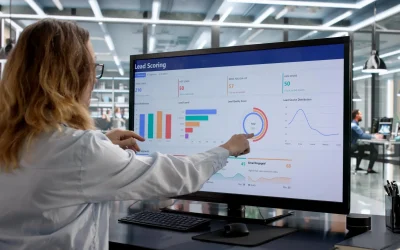
Not all leads are created equal. Zoho CRM allows you to implement Lead Scoring. If a prospect opens your email three times and visits your pricing page, the CRM assigns them a high score. Your sales team can then prioritize these “hot” leads over someone who just downloaded a free ebook. This ensures your energy is spent where the money is.
- Automated Routing
In a small team, speed is everything. Zoho CRM uses predefined rules to route leads to the right person. If you have a specialist for “Perth-based clients,” the CRM will automatically assign those leads to them the moment they enter the system.
2. Revolutionizing Sales with Automation
The biggest hurdle for small businesses is the “administrative drag.” Every hour spent on manual follow-ups is an hour NOT spent selling.
- Powering Through with Workflows
Workflow automation is the heartbeat of Zoho CRM. You can set up “if-this-then-that” scenarios:
- Scenario: A lead is marked as “Qualified.”
- Action: Zoho automatically sends a personalized welcome email and schedules a follow-up task for the sales rep in 48 hours.
This consistency ensures that no prospect ever “falls through the cracks” again. To see these automations in action, book your free strategy call today.
- Seamless Communication Tracking
Ever had two staff members call the same client with different information? It looks unprofessional. Zoho CRM centralizes all communication—emails, phone calls, and even Zoom meetings—into one timeline. When you open a contact’s profile, you see the exact history of what was promised and what was requested.
3. Account and Contact Management: Building Longevity
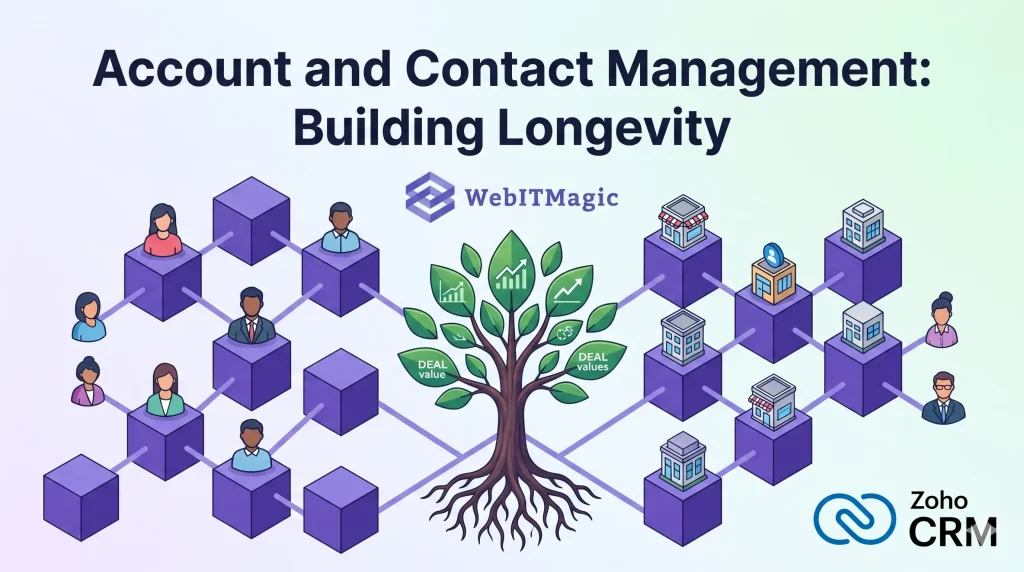
Small business growth isn’t just about new customers; it’s about retention. It is significantly cheaper to upsell an existing client than to acquire a new one.
- The Single Source of Truth
By acting as a central repository, Zoho CRM ensures that your data is clean and accessible. Whether you are in the office or using the Zoho mobile app on a job site in Perth, you have the latest purchase history and notes at your fingertips.
- Relationship Mapping for B2B
If you sell to other businesses, you know that decisions are rarely made by one person. Zoho CRM allows you to map the hierarchy of a company. You can identify who the Decision Maker is versus the Influencer, allowing for a much more strategic sales approach.
Pro Tip: Use the “Interaction History” to note personal details. Mentioning a client’s recent company anniversary or a specific pain point they mentioned six months ago builds the kind of rapport that automated bots can’t touch.
4. Data-Driven Growth: Forecasting and Reporting
You cannot manage what you do not measure. Many small businesses fail because they don’t understand their “Sales Velocity” or where their bottlenecks are.
- Visualizing the Sales Pipeline
Zoho’s drag-and-drop pipeline view allows you to see exactly how much potential revenue is sitting in each stage (Negotiation, Proposal, Closing). If your “Proposal” stage is looking thin, you know it’s time to ramp up your marketing efforts.
- Performance Dashboards
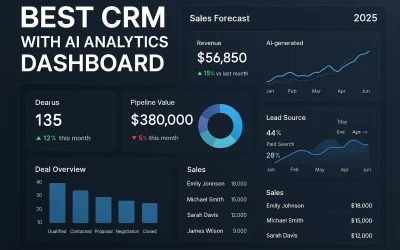
Stop guessing if your marketing is working. Zoho CRM’s dashboards provide real-time insights into:
- Conversion Rates: Which lead source is most profitable?
- Sales Cycle Length: How long does it take, on average, to close a deal?
- Revenue Forecasts: What does your bank balance look like for next month?
This level of insight is usually reserved for giant corporations, but Zoho CRM for small businesses brings this power to everyone.
5. Customization: Making the CRM Your Own
A common complaint about CRMs is that they are “too complex.” Zoho solves this by being entirely modular.
- Custom Fields and Modules
If you are a real estate agent in Perth, you need different data points than a plumber or a consultant. Zoho allows you to rename modules and create custom fields (e.g., “Property Type” or “Maintenance Schedule”) so the software speaks your language.
- Third-Party Integrations
A CRM shouldn’t be an island. Zoho CRM integrates seamlessly with:
- Xero/QuickBooks: Sync your invoices and see who has paid.
- Mailchimp/Zoho Campaigns: Push your leads into email marketing funnels.
- Google Workspace/Outlook: Sync your calendar and emails perfectly.
By connecting these tools, you create a “unified stack” that saves your team hours of manual data syncing every week.
Why Choose a Perth-Based Zoho Consultant?
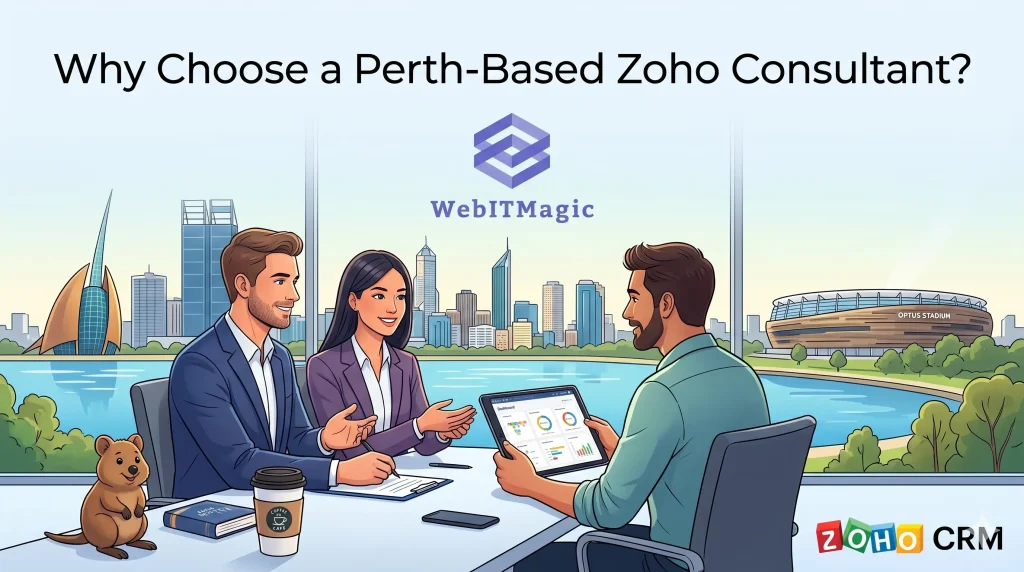
While Zoho is user-friendly, setting it up correctly the first time is the key to ROI. Working with a local expert means you get a system tailored to the Australian market and local business hours for support.
Learn more about Zoho CRM in Perth at WebITMagic. We don’t just “install software”; we build sales engines.
- The Path to 2X Growth
Implementing a CRM is a foundational step in moving from a “hustle” to a “business.” It allows you to delegate tasks to employees because the “system” knows what to do next. It provides the peace of mind that comes from knowing your customers are being looked after with professional, automated precision.
Don’t let another lead go cold. 👉 Book your free strategy call today at WebITMagic and let’s discuss how we can customize Zoho CRM to meet your specific 2026 growth targets.
FAQs: Everything You Need to Know
1. Is Zoho CRM really free for small businesses?
Yes! Zoho offers a “Free Edition” for up to 3 users, which includes basic lead management and mobile access. As you grow, you can move to paid tiers that unlock advanced automation and forecasting.
2. How does Zoho compare to Salesforce or HubSpot?
For small businesses, Zoho is often the winner due to its affordability and ease of customization. While Salesforce is powerful, it can be prohibitively expensive and complex for smaller teams. HubSpot is user-friendly but can become very costly as your contact list grows.
3. Can I migrate my data from Excel?
Absolutely. Zoho CRM has a robust import tool that allows you to map your existing spreadsheet columns to CRM fields, making the transition smooth and data-loss-free.
4. How secure is my customer data?
Zoho follows industry-leading security protocols, including encryption at rest and in transit, multi-factor authentication, and regular third-party audits. Your data is likely much safer in Zoho than on a local hard drive or a shared spreadsheet.
5. Do I need a consultant to set it up?
While you can do it yourself, a consultant ensures that your workflows are optimized for sales. A poorly set up CRM is just a “digital junk drawer.” A professionally set up CRM is a revenue generator.

0 Comments